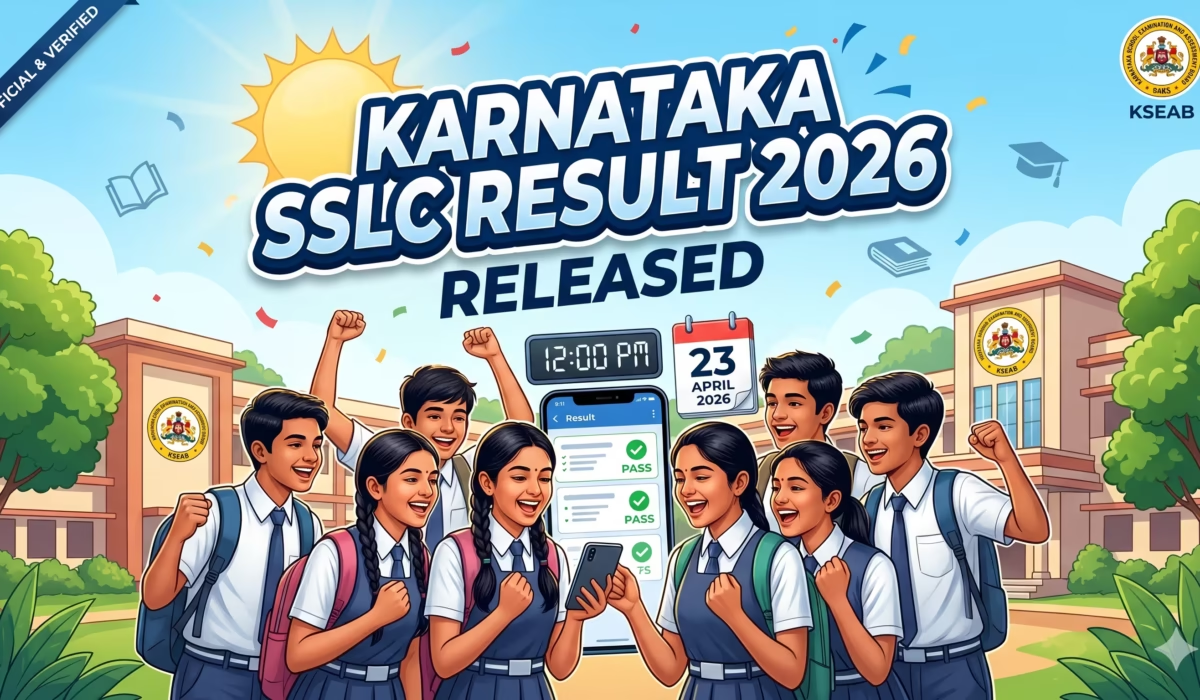
Karnataka SSLC Result 2026: Great news for the students of the Karnataka School Examination and Assessment Board (KSEAB)! The board has officially declared the Karnataka SSLC (Class 10th) results today, April 23, 2026, at 12:00 PM. All the candidates who appeared for the Karnataka Board 10th examinations this year can now check their results online by visiting the official websites at karresults.nic.in and kseab.karnataka.gov.in.
In this article, we are providing complete step-by-step information on how to check the Karnataka SSLC Result 2026, direct links, how to get your result via SMS, and how to download your marksheet from DigiLocker.
Karnataka SSLC Result 2026: Overview
Before checking the results, let’s take a look at some important details related to this exam and the result:
- Board Name: Karnataka School Examination and Assessment Board (KSEAB)
- Exam Name: Karnataka SSLC Exam 2026
- Class: 10th (Class 10)
- Result Status: Declared
- Result Declaration Date: April 23, 2026
- Result Declaration Time: 12:00 PM
- Official Websites: karresults.nic.in and kseab.karnataka.gov.in
When and Where will the Karnataka SSLC Result 2026 be declared?
According to the official information provided by the Karnataka Board, the announcement of the result was made by the Education Minister and board officials through a press conference. The press conference was held today, April 23, 2026, at exactly 12:00 PM, immediately after which the online link was activated for the students.
Students can check their KSEAB 10th Result 2026 primarily on these two official websites:
- karresults.nic.in
- kseab.karnataka.gov.in
How to Check Karnataka SSLC Result 2026? (All Official Methods)
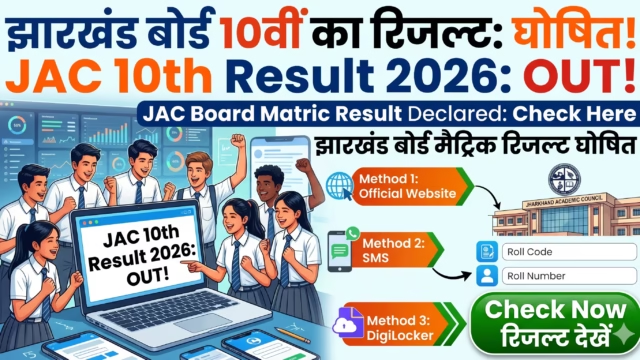
Due to heavy traffic on the website after the result is released, server downtime is a common issue. Therefore, the board has provided several official methods for the convenience of students to check their results. You can check your result using any of the methods given below:
Method 1: How to check the result from the Official Website? (Online Method)
Follow these easy steps to download your scorecard through the website:
- Step 1: First, visit the official result website of the Karnataka Board: karresults.nic.in.
- Step 2: On the homepage, you will see the link for “SSLC Main Examination Result 2026”. Click on it.
- Step 3: A new login tab will open where you will have to enter your examination details.
- Step 4: Enter your Registration Number in the box exactly as it appears on your Admit Card (Hall Ticket).
- Step 5: Next, correctly select your Date of Birth (DOB) from the given format or dropdown menu.
- Step 6: After filling in both details, click on the ‘Submit’ button.
- Step 7: Your Karnataka 10th Result 2026 (with subject-wise marks) will be displayed on the screen. Download it and take a printout for future reference.
Method 2: SMS Facility on Registered Mobile Number (Auto-SMS)
The old system of sending a message (like sending an SMS to 56263 to get the result) is no longer reliable. Instead, the Karnataka Board (KSEAB) now provides an excellent alternative facility to the students:
- Automatic SMS Alert: Students or parents whose mobile numbers were updated in the board’s SATS (Student Achievement Tracking System) database by their schools at the time of admission do not have to worry about checking the result manually.
- As soon as the Education Minister announces the result in the press conference, the board automatically sends an SMS to your registered mobile number. This message includes your total marks and your pass/fail status.
Method 3: How to download SSLC Marksheet 2026 from DigiLocker?
DigiLocker is a secure platform provided by the Government of India from where you can download your original digital marksheet:
- Download the DigiLocker App on your smartphone or visit the website (digilocker.gov.in).
- Login or sign-up using your Aadhaar Number and mobile number.
- Go to the ‘Education’ section and search for “Karnataka School Examination and Assessment Board”.
- Select the ‘Class 10 Passing Certificate/Marksheet’ option.
- Enter your Registration Number, Name, and Year of Passing (2026).
- Your digital marksheet will be saved in your DigiLocker account, from where you can easily download it.
Important Direct Links
For the convenience of students, we have provided a direct links table below. You can click directly on these links to open the result page:
| Particulars | Direct Link |
|---|---|
| Official Result Portal | karresults.nic.in |
| Karnataka SSLC Result 2026 Direct Link | Click Here to Check Result (Link active) |
| KSEAB Official Website | kseab.karnataka.gov.in |
| DigiLocker Portal | digilocker.gov.in |
Passing Marks and Grading System
To pass the Karnataka SSLC Exam 2026, it is mandatory for students to score a minimum of 35% marks in each subject as well as in the aggregate.
What if you fail in any subject? If a student fails to score the minimum 35% marks in one or two subjects, they need not be disappointed. The Karnataka Board (KSEAB) conducts a Supplementary Exam for such students. Application forms for this will be made available soon on the official website.
Frequently Asked Questions (FAQs)
Q1: When was the Karnataka SSLC Result 2026 released? Ans: The Karnataka Board 10th result has been officially released today, April 23, 2026, at 12:00 PM.
Q2: How can I check my SSLC Result 2026? Ans: You can check your result online by visiting the official website karresults.nic.in and entering your registration number and Date of Birth (DOB). Additionally, the board also sends an SMS with the result to registered mobile numbers.
Q3: Which is the official website to check the result? Ans: The main official websites to check the Karnataka SSLC result are karresults.nic.in and kseab.karnataka.gov.in.
Q4: How to check the result if the website crashes? Ans: If the website is down due to heavy traffic, you can download your marksheet using the DigiLocker app. Also, the results are made available to schools on their BEO portal login, so you can contact your school directly as well.
Disclaimer: This article has been written for the purpose of assisting students and providing the latest information. For the most accurate and official information, please always prioritize the official website of KSEAB.